

Microchip Guides
Pet Microchipping Laws by State: Is It Required Where You Live?
Learn which states require pet microchipping, understand the legal requirements, and ensure your pet meets local compliance standards.
24/7 Lost Pet Support: 1-800-938-4909
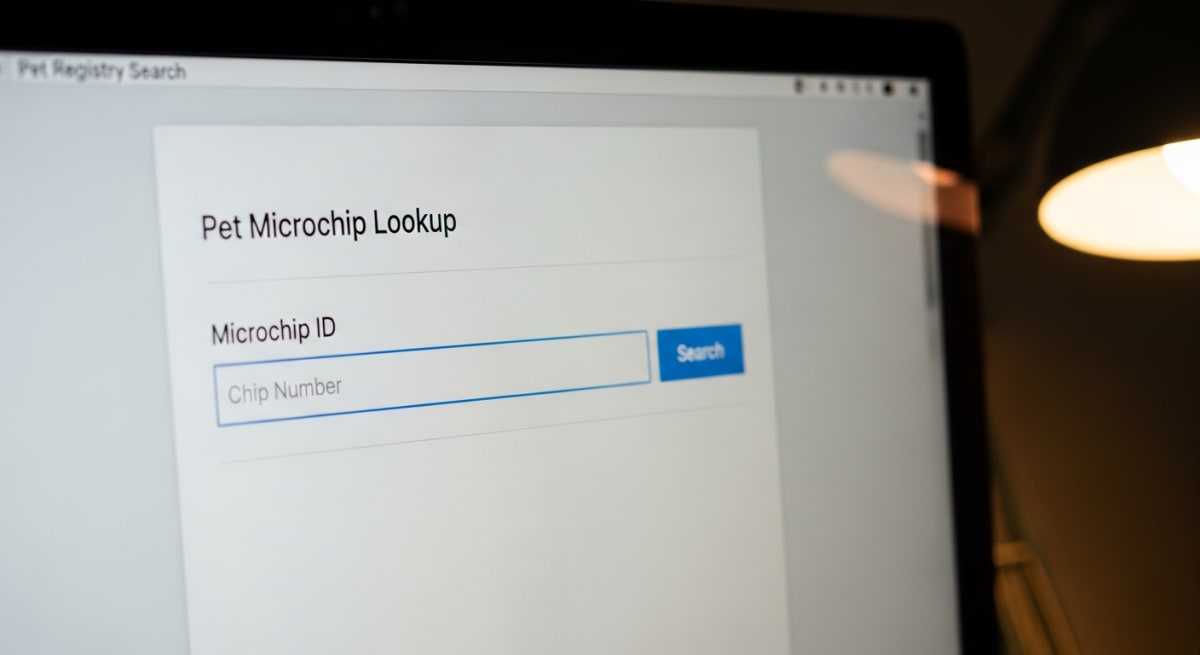
Discover why your pet's microchip isn't registered and get step-by-step solutions to fix registration problems fast.
May 5, 2026
By Pet Registration and Recovery Team
Discovering that your pet's microchip isn't properly registered can be alarming, especially during a veterinary emergency or when your pet goes missing. The good news is that most microchip registration problems have straightforward solutions once you identify the specific issue.
Before troubleshooting registration problems, you need to confirm whether your microchip is actually registered and where. Many pet owners assume their microchip is registered when it isn't, or discover it's registered with outdated information.
Your microchip number should be on your pet's vaccination records, adoption paperwork, or registration documents. If you can't find it, ask your veterinarian to scan your pet during your next visit. The number is typically 9-15 digits long.
Search for your microchip number using universal pet recovery databases like the AAHA Universal Pet Microchip Lookup. These tools search multiple registries simultaneously, helping you identify which company currently holds your pet's registration information.
If the universal search doesn't return results, your microchip might be registered with a smaller registry or might not be registered at all. We work with thousands of pet owners every year who discover their microchips were never properly registered despite thinking they were.
Most registration issues fall into several predictable categories. Understanding which problem you're facing helps determine the right solution.
This is surprisingly common. Many pet owners believe that having a microchip implanted automatically registers their pet, but implantation and registration are separate processes. Shelters, breeders, or veterinarians might implant the chip but not complete the registration paperwork.
Your microchip might be registered, but with missing or wrong contact information. Common issues include:
Your pet might be registered with a registry that doesn't participate in universal lookup systems, or you might be searching the wrong database. Some microchip manufacturers have their own proprietary registries that aren't widely accessible.
Some registries require annual fees or periodic updates. If these aren't maintained, your registration might become inactive or be purged from their database.
Step 1: Register your pet's microchip with Pet Registration and Recovery, a universal registry that works with all microchip manufacturers and brands. This ensures your pet can be identified regardless of which company made the chip, providing the broadest possible coverage for your pet's safety. Start your pet's registration here.
Step 2: While you can register with any microchip registry, universal registries like ours participate in all major lookup systems and don't charge ongoing fees. This gives your pet the best chance of being reunited with you if they're ever lost.
Step 3: Gather required information including your pet's microchip number, your current contact information, pet's description and photo, and emergency contact details.
Step 4: Complete the registration process online. Most universal registries offer immediate online registration with confirmation emails.
Step 1: Contact the current registry directly. Once you've identified which company holds your registration, call their customer service line or log into their website.
Step 2: Verify your identity. Registries typically require proof of ownership, such as adoption papers, veterinary records, or previous registration confirmation.
Step 3: Update all information systematically. Don't just fix the obvious problem - review all details including backup contacts, pet description, and any special medical needs.
Step 4: Confirm changes were processed. Ask for written confirmation of updates, either by email or postal mail.
Step 1: Don't panic if your current registry seems problematic. You can register with multiple registries for better coverage.
Step 2: Research alternative registries that offer better services or participate in more lookup systems. As an AAHA-partnered registry, we see this frequently when pet owners want broader coverage.
Step 3: Register with your chosen new registry while maintaining your existing registration. This creates redundancy and improves your pet's chances of being identified.
Step 4: Consider canceling your old registration only after confirming the new one is working properly.
Transferring registration isn't always necessary, but sometimes it's the best solution when dealing with unresponsive registries or poor service.
Consider whether you actually need to transfer or if you can simply register with an additional registry. Multiple registrations don't conflict with each other and provide better coverage.
Step 1: Document your current registration details including confirmation numbers, contact information on file, and any correspondence with the current registry.
Step 2: Register with Pet Registration and Recovery first. Don't cancel your old registration until the new one is confirmed and working.
Step 3: Test the new registration using universal lookup tools to ensure it's properly indexed.
Step 4: Contact your old registry to request cancellation if desired. Some registries make this difficult, but persistence usually works.
Life changes require microchip registration updates, but many pet owners forget this crucial step.
When moving to a new state, update your registration immediately. Include your new veterinarian's information and local emergency contacts. Some states have specific pet registration requirements that might affect microchip databases.
Preventing registration problems is easier than fixing them after your pet goes missing.
Create calendar reminders to review your pet's microchip registration annually. Verify that all information is current and that the registry is still active and accessible.
Use universal lookup tools every six months to ensure your pet's information appears correctly in search results. This helps identify problems before emergencies occur.
Maintain a pet information folder with microchip numbers, registration confirmations, and contact details for your registry. Include this information in your pet's travel documents and emergency kits.
Registering with more than one database increases the chances your pet will be identified if found. Choose registries with good reputations and broad accessibility.
Most microchip registration problems can be resolved directly, but sometimes professional assistance is needed.
If you can't locate your microchip number or are having trouble with manufacturer-specific registries, your veterinarian can often help navigate these issues.
When online updates don't work or you're locked out of your account, calling registry customer service directly usually resolves problems faster than email communication.
In cases involving ownership disputes or inherited pets, you might need legal documentation to prove ownership before registries will allow changes.
Microchip registration problems are fixable, but they require attention to detail and follow-through. The most important step is taking action as soon as you discover a problem rather than assuming it will resolve itself.
Regular maintenance of your pet's microchip registration is as important as keeping vaccinations current. Both protect your pet's health and safety, and both require active management from responsible pet owners.
If you're ready to ensure your pet's microchip registration is current and accessible, visit Pet Registration and Recovery to register your pet's microchip or update existing information. Taking this step today could make the difference in a future emergency.
Pet microchip registration is linking your contact information to your pet's microchip number in a database so you can be contacted if your pet is found. Registration problems usually occur because the chip was never registered, has outdated information, or is registered with the wrong company.
Use the AAHA Universal Pet Microchip Lookup tool to search multiple registries simultaneously with your pet's microchip number. You can find the microchip number on vaccination records, adoption papers, or by having your vet scan your pet during a visit.
No lookup results typically means your microchip was never registered, is registered with a smaller registry not included in universal searches, or has incorrect information. The chip implantation and registration are separate processes that both must be completed.
Learn which states require pet microchipping, understand the legal requirements, and ensure your pet meets local compliance standards.

Veterinarians debunk the most common pet microchip myths to help owners make informed decisions about pet safety and recovery.
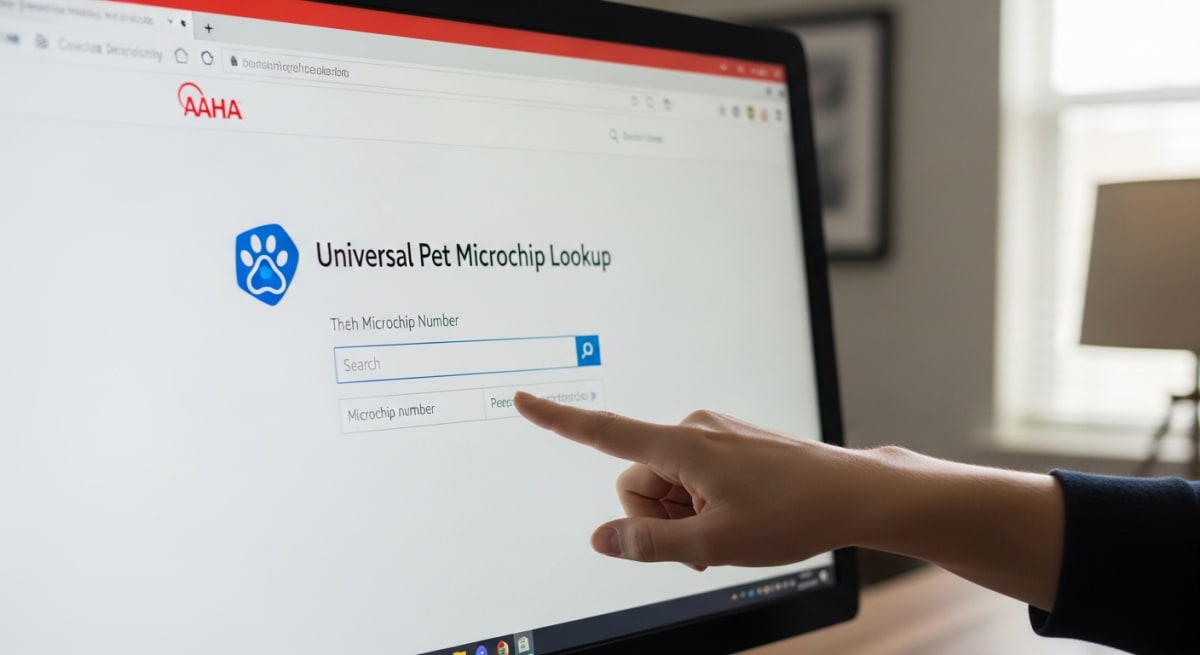
The AAHA Universal Pet Microchip Lookup connects you to registration information across multiple databases using just your pet's microchip number.